FOR THE CHANGES YOU MAKE AT HOME

Same frame.
See the change.

Use your before photo to guide the after, then compare and share.

01 START WITH THE BEFORE

Every change starts somewhere.

Take a photo now, or use one you already have. Your before will guide your next shot.

Free to use. No account. No photo uploads.

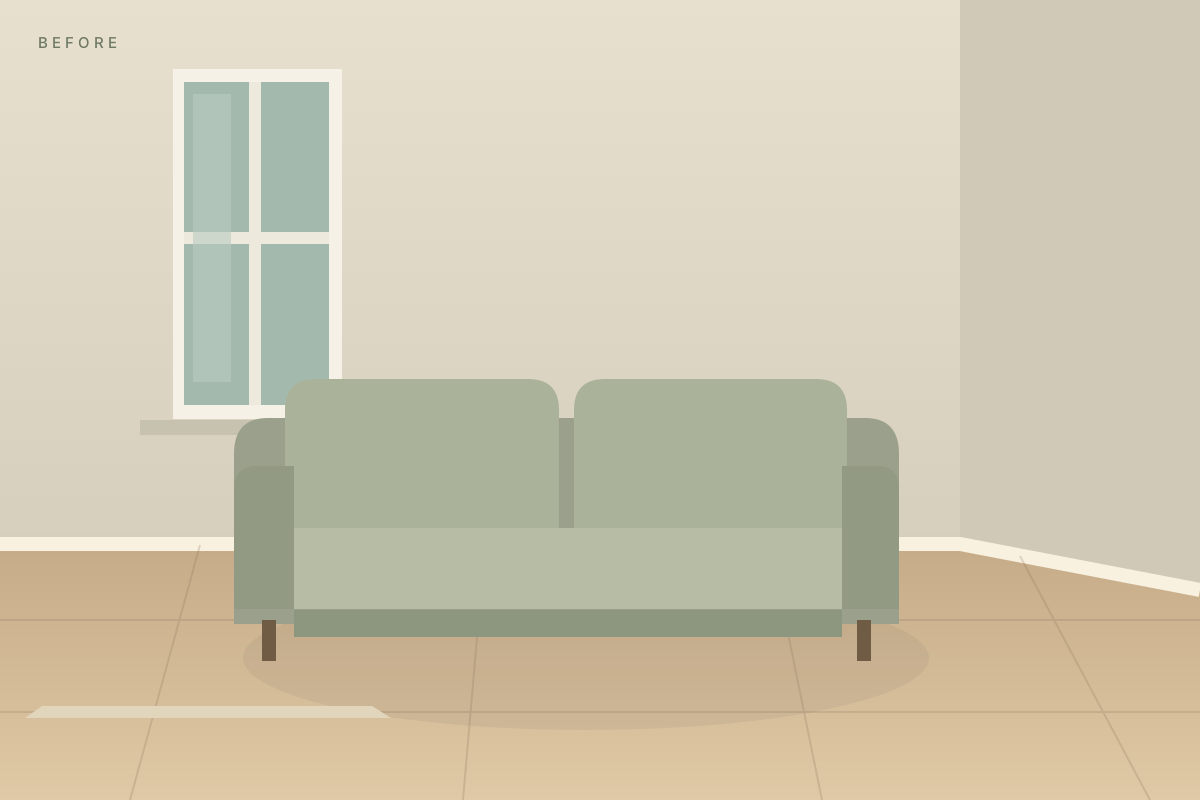
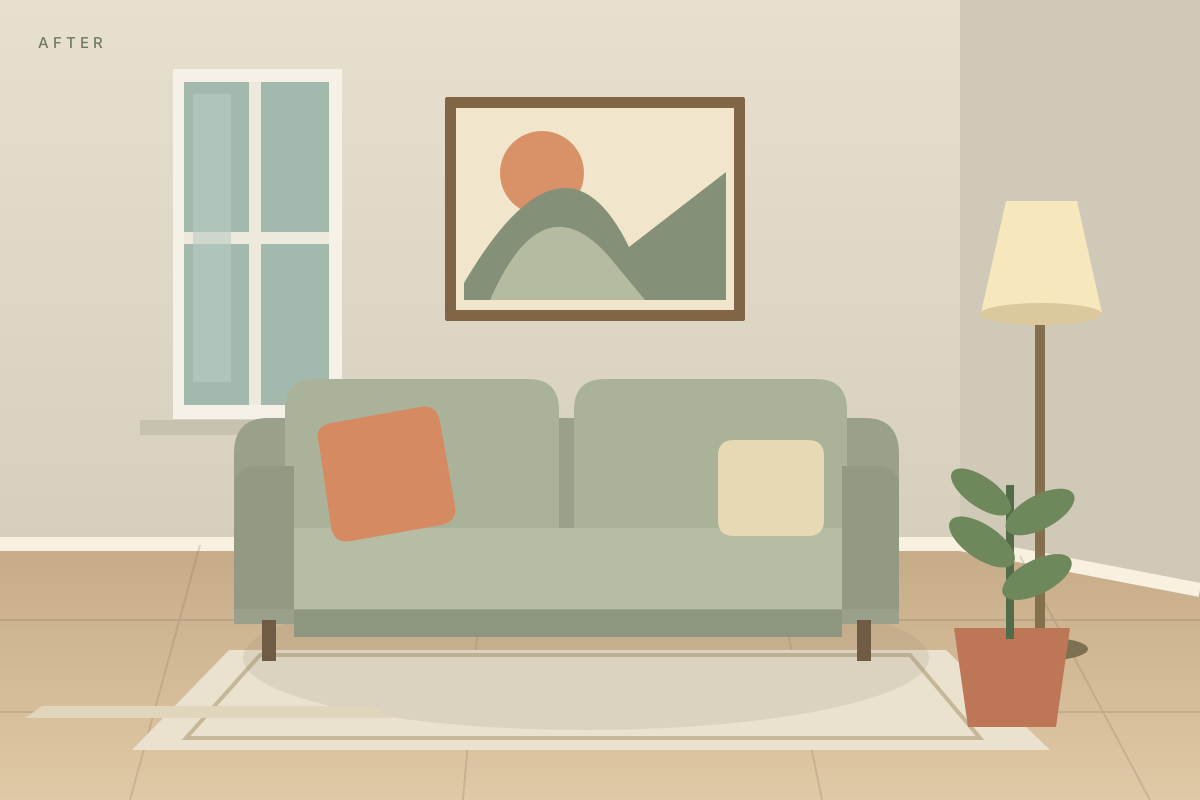
Illustration of a room before decoratingIllustration of the same room with art, a lamp and a plant
One corner. A fresh perspective.
01 Capture the before→02 Make your change→03 Line up & compare

Your file is ready.

Use Share and choose Save Image when your phone offers it. Otherwise, keep the download in Files or Downloads.

Download image

About Campare

Before & After Camera

Use your before photo to guide the after, then compare and share.

Keep up to three projects in this browser. Starting another leaves your saved before photos intact. Save copies to Photos or Files when you want to keep them beyond browser storage; clearing browser data removes saved projects.

Your photos stay on this device unless you save or share them. Basic visit counts, completed photo/comparison steps and page-performance measurements are sent to Vercel. These measurements exclude your photos and personal details and respect browser privacy signals.

Contact / report an error

App details

Offline setup is starting.

· Update Campare

Campare update ready

A newer version is ready to use. Your saved photos will stay in this browser.

Update now

These changes aren’t saved.

Keep working to save photo copies or retry saving. Leaving discards only unsaved changes; your previously saved projects stay intact.

Your projects

Delete this project?

and its before and after will be removed from this browser. Save copies to Photos or Files first if you want to keep them.